
 |
 |
 |
 |
 |
 |
 |
 |
 |
 |
 |
 |
 |
 |
 |
 |
 |
 |
 |
 |
 |
 |
 |
 |
 |
 |
 |
 |
 |
 |
How to upload media filesMPT is a great way to transfer photos, videos and ring tones to your phone. While you can use a number of P2K programs to do this I'll cover how to do it with MPT. Launch MPT and click the "Multimedia Studio" icon on the right.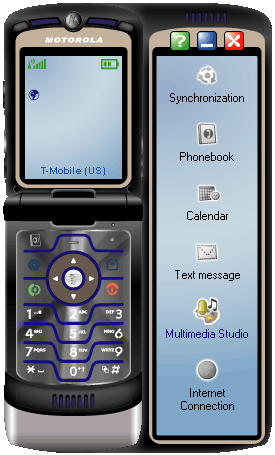
Next you'll see this screen, so click the "File Transfer Studio" link. 
At the next screen you have two main windows, what's on your computer on the left and what's on your phone on the right. In this example I'm going to send a few wallpaper images over to my phone's "picture" directory. 
So I highlighted the files I wanted to transfer and clicked this button: 
Confirm your action at the pop up window. The files will then be transferred and appear on the phone side of the screen. 
If you check your phone and you do not see the pictures then you may need to switch your view so that you are seeing the storage device on the phone and not the removeable storage card. Click "Media", go to "Pictures", click "Select" press the  key, scroll down to "Switch storage device", press "Select" then
select "Phone".
key, scroll down to "Switch storage device", press "Select" then
select "Phone".

|
|
|
All downloadable media filescl.gifs


There is a good collection of more cl.gifs at MotoX. |
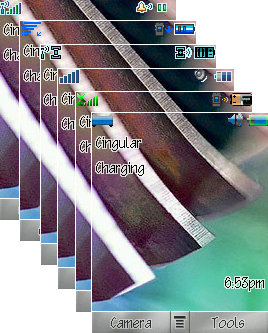
DRM icon setsI'm linking to a DRM icon thread over at the MotoX forums and these are pictures of what some of the sets look like. Keep in mind you may lose your iTunes icon in your main menu (the 9 icon menu) if you use these DRM flashes. Since you have a dedicated button for iTunes this shouldn't be an issue for you. The only other potential problem I saw was the icon for the video camera will change to a different looking icon, but this is trivial. You can always revert back to your original settings with a monster pack until an iTunes flash becomes available.You can get these DRM flashes in this thread. If you don't feel like spending forever sifting through the 20+ page long thread (which is a disorganized mess full of bad uploads, corrections and dead links) you can download some of them right here. If you go to the thread you can get a stock "R479" DRM icon set reflash file there. |
|
|
The DRM icon sets seen here from top to bottom are:
Motorola stock DRM. Download this file from the thread above. "Supshow" DRM. Click here to download. Area o4 by "Zeze" Click here to download. kZone by "AdamK" Click here to download. Cocktail by "DataFanatic" Click here to download. Dark by "DarkPreacher" Click here to download. A lot of time went into designing these icon sets so if you get one and use it on your phone, thank the artist who did all the work so you could enjoy it. |
fontsSome of the fonts below come from this thread at the MotoX forums. I'm mirroring the files here because they are currently stored with free file hosting sites and I have issues with those kinds of hosts. I want people to be able to find these fonts easily so here they are. If you like the fonts, then let the artists who made them know. I've included their screen names next to the fonts they have made. They put a lot of effort into creating these fonts and they look great on the phone! So tell them they did a good job. Just click the font you want from the images below. There is also a collection of fonts at the Mod My Moto forums here. |
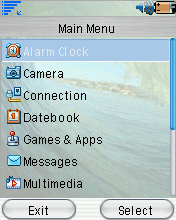
Arial by "DXFactor" |
|

Century Gothic by "DXFactor" |
|

Comic Sans by "MrBucket101" |

Handel by "DXFactor" |
|

Handel (bold) by "DXFactor" |
|
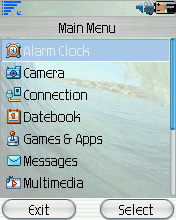
Handel (tall) by "DXFactor" |
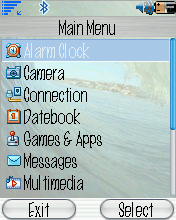
Marking Pen by "DXFactor" |
|

Marking Pen (bold) by "DXFactor" |
|

Motorola (stock font) |

Pixel by "V3Hero" |
|
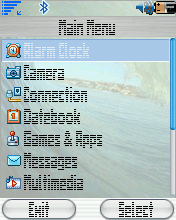
Stripes by "DXFactor" |
|

Tahoma by "Tonyayo" |
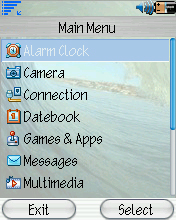
Technical by "DXFactor" |
|

Trebuchet (bold) by "DXFactor" |
|
gamesAs far as finding games, there is a very small selection at MotoModders. Google is your friend to finding games for free, and there are plenty of free non-demo games out there if you look. You can also purchase games from many legitimate sites like: Game Loft, Get Jar and My Phone Games.language packsThere is a small collection at the Mod My Moto forums right here. There are more at the MotoX forums here.ring tonesMotoModders has some, and there is a huge collection at MotoX. |
screen savers |
If you don't want to make your own, there is a very generous
forum member by the screen name of "Birdchest" at the MotoX Forums who is a
graphics designer and has made a lot of screen savers and is giving them away
for free! The catch? Sifting through this 218 page long thread
to find the ones you like!


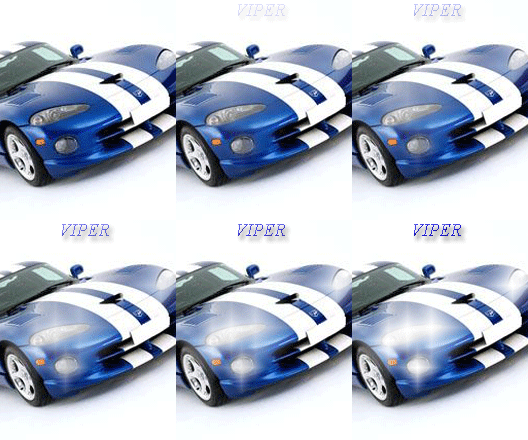
Here is another place to check for more screen savers MotoModders. |
start up and shut down animations |
|
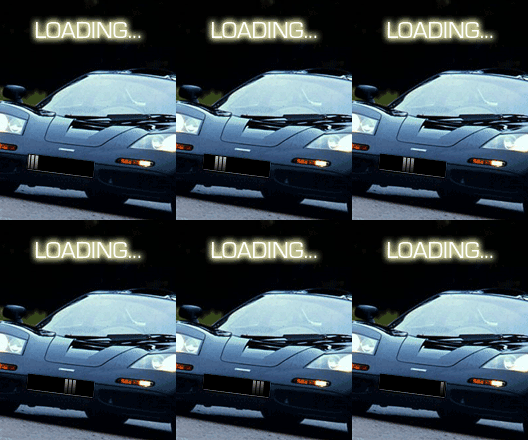
"Birdchest" is back, this time with start up and shut down animation graphics.
They are on that same
218 page long thread!
Here's some of them: 



|
themes/skins |
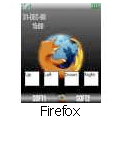
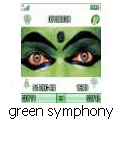
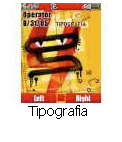
| Here's some that you can just click and download from directly from this site: |


|



|



|



|


|


|
|
I can recommend a couple sites to get more themes and skins at: Howard Forums, Mobile 9 , MotoModders link 1, MotoModders link 2, MotoX link 1, MotoX link 2, and Zedge. |
wallpapersSo many wallpapers, so little time: Howard Forums, MotoX, MotoModders and Zedge. |
This ends the "media" section of this tutorial.

|
|
|
|
|
|
|
|
|
|
|
|
|
|
|
|
|
|
|
|
|
|
|
|
|
|
|
|
|
|
|